
544 engineering tools. Search them all.
Closed-form checks, margins of safety, joint and fastener analysis, beams, pressure, thermal, electrical and more. Each tool opens in the online edition after sign-in.
167 tools check themselves.
Enter the part once. The tool does the hand calculation, builds a full three-dimensional finite element model of the same part, solves it, and puts the two side by side with a written comment. No symmetry cuts: the whole part is modelled. The check covers plates and shells, beams, shafts and torsion, trusses and axial members, lugs, bolted and bonded joints, fittings, and thermal and vibration problems. Where a finite element model would mean nothing, as in lookups, unit conversions and buckling-only screens, the tool says so instead of showing a made-up check. A sensitivity study runs automatically as well, varying each input in turn to show which ones drive the result.
Describe the part
Size, thickness, material, edges and pressure. Example: a 12 by 8 in plate, 0.25 in 7075-T651, clamped edges, 10 psi.
Timoshenko and Roark
The classical plate result for the same case: centre deflection and largest bending stress, with margins of safety.
Full 3D model
The server meshes the whole plate with quadratic brick elements, applies the pressure and the clamped edges, and solves it.
Results and comment
Deflection, stress and strain from both methods, the ratio, and a plain-language comment on any difference.
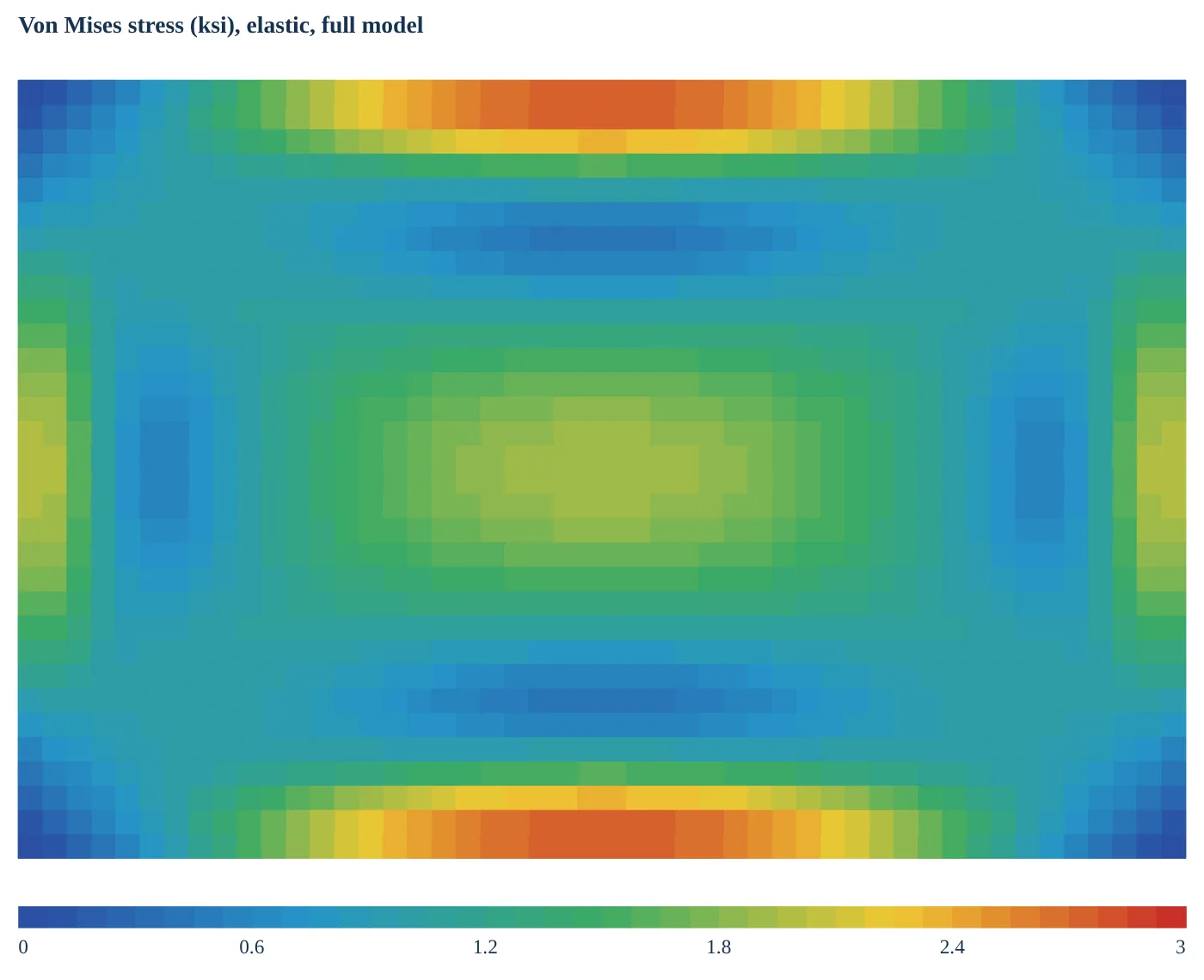
| Result | Hand | FEM | FEM / hand |
|---|---|---|---|
| Centre deflection | 0.00599 in | 0.00593 in | 0.991 |
| Largest bending stress | 4,651 psi | 4,637 psi | 0.997 |
Comment returned: the hand calculation and the FEM agree, so the thin plate formulas describe this part well. Where they do not agree (a thick plate, a large deflection) the comment says why.
One button downloads the same model as a Workbench file, so the check can be refined with your own mesh, loads and contacts. Available on every tool that carries the check.
Fittings, joints and temperature, checked against a finite element model.
The newest tools take every dimension, material, bolt and fastener from you, run the hand checks, and then check the answer with a full three-dimensional model.
Bathtub fitting, metallic and composite
Enter the geometry, the material or the laminate, the tension bolt and the base fasteners by their thread or fastener call-out. The tool gives bolt, fastener, bearing and fitting margins, composite ply checks, a fatigue life with its test band, and the finite element check beside them. Values from the fastener library are marked typical: confirm them against your own specification.
Friction and bolt preload
Choose how the bolt head sits on the pad: bonded, a pressure ring, or a frictional contact with the bolt preload applied. The result shows the contact pressure with stick and slip marked on the pad, how much clamp load is retained, and whether the joint separates. This is in the Bathtub Fitting tool today.
Bolt preload diagram
Bolt force against bolt stretch: the bolt line and the clamped-pad line, the preload, limit and ultimate load points, the separation load, bolt yield and ultimate, and the hot and cold shifts of the preload. With the frictional check on, the finite element bolt force and clamp retention are plotted on it. It can be shown or hidden, and goes into the report.
Ambient, hot and cold
Ambient temperature starts at 70 F and you can change it. Give a maximum and a minimum operating temperature; the tool takes the material properties at those temperatures from the materials database, reports the governing case, and flags any temperature outside the data. It never extrapolates: it uses the nearest value in the data and tells you so. Bathtub Fitting first, other tools to follow.
Four new structures tools
Diagonal tension in thin webs. Inter-rivet buckling and rivet-line crippling screen. Column and beam-column checker, with the finite element check. Combined stress with Mohr circles and yield margins. All four take their allowables from you and report margins of safety.
Pictures in your own templates
The finite element picture and the tool plots now fill into your Word, Excel and PowerPoint report templates. Tags can pull in several cases at once, as table rows or lists. A sample template pack with the tag list is included to start from.
What a tool looks like.
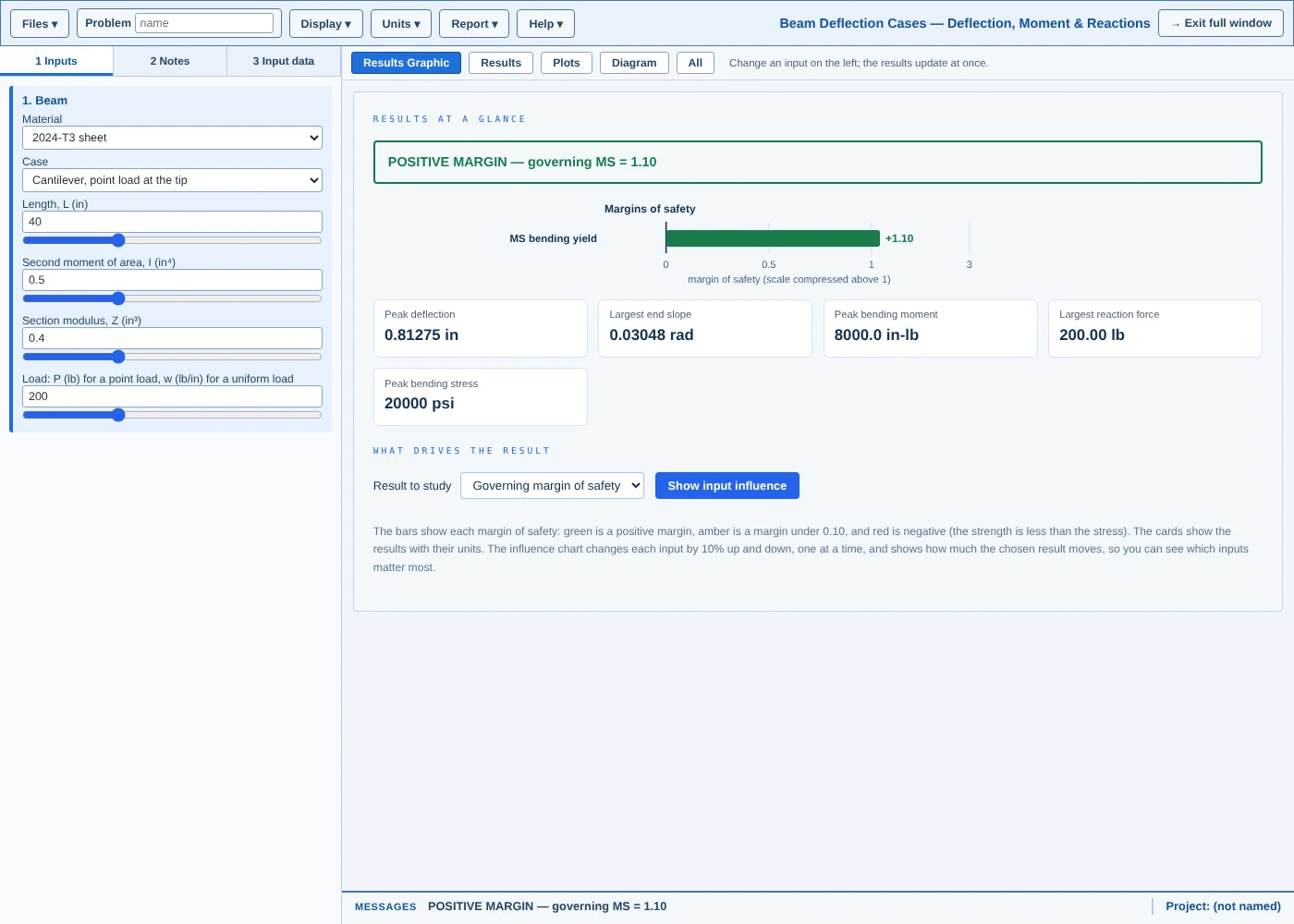
Beam bending
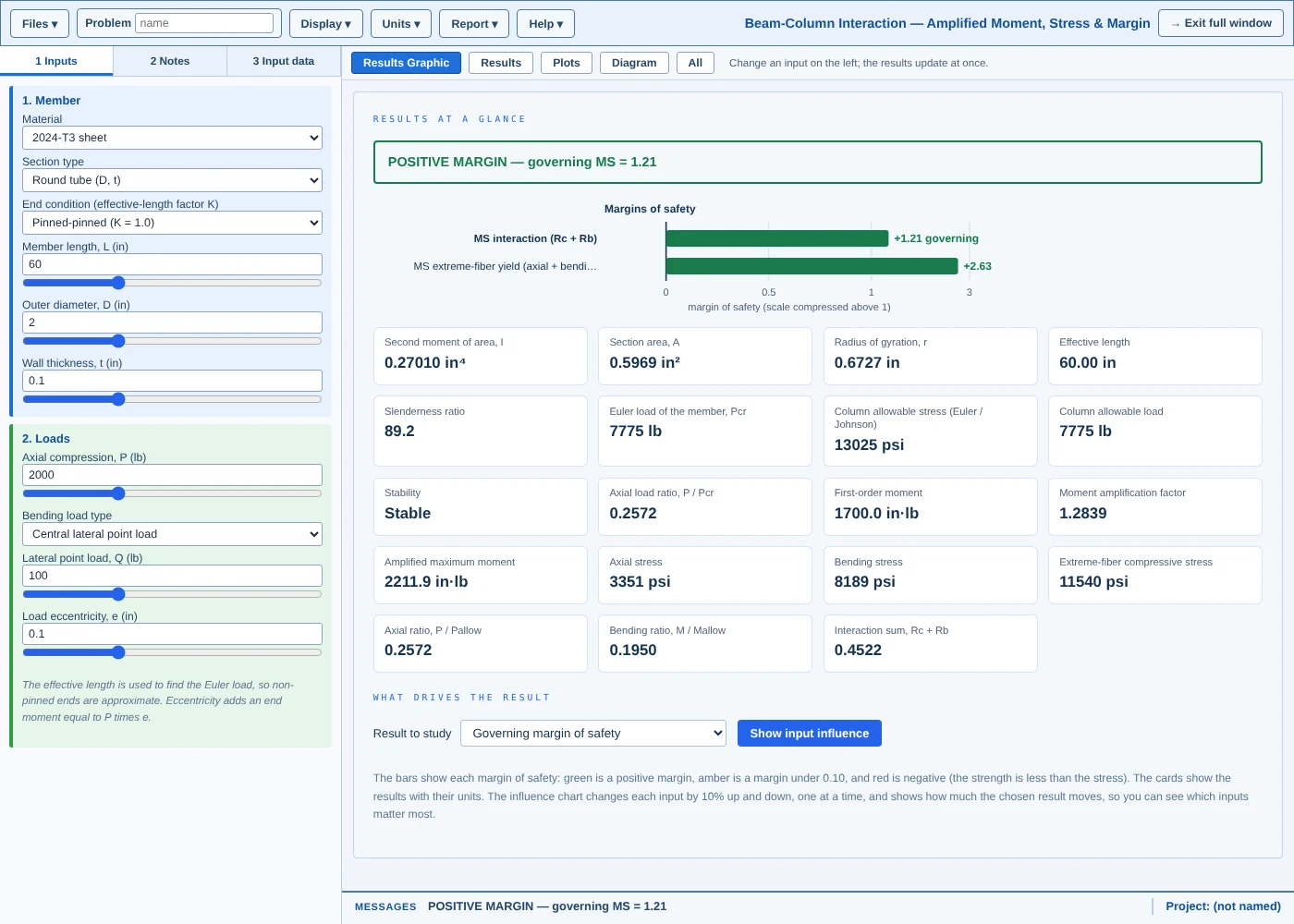
Beam-column
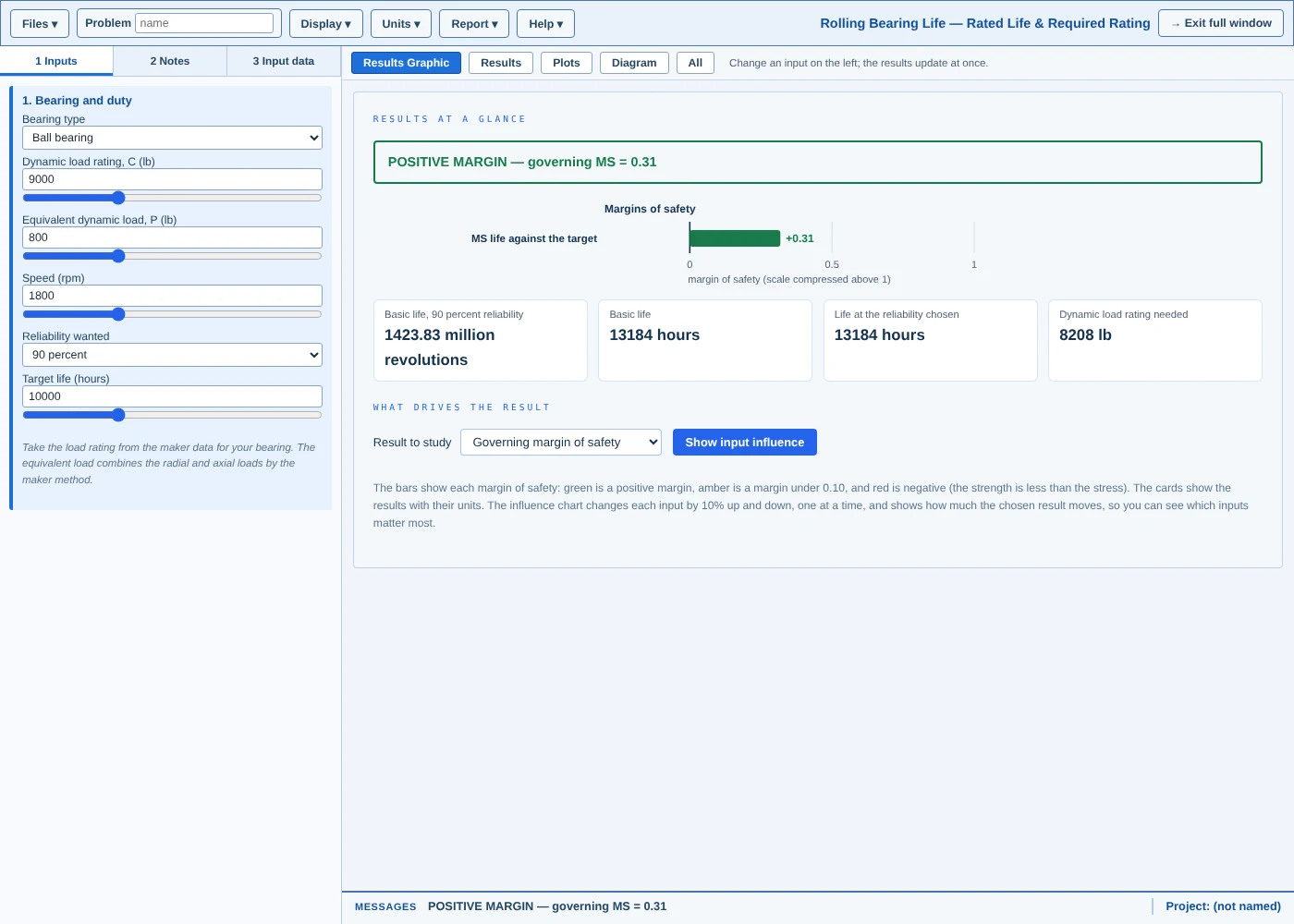
Bearing
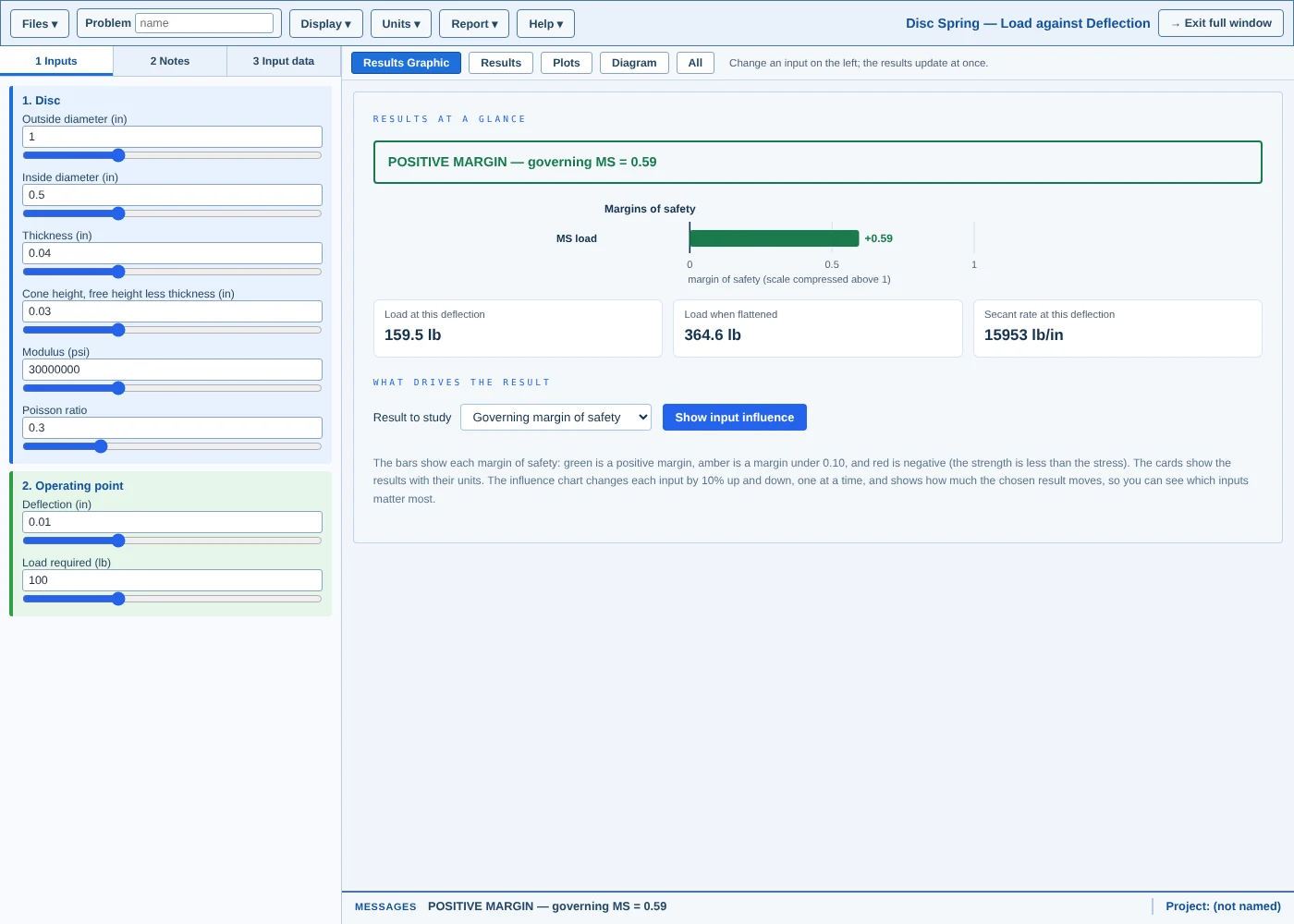
Belleville spring
Open any tool with a free login.
The catalogue links to the online edition. Sign up and every tool is available.